
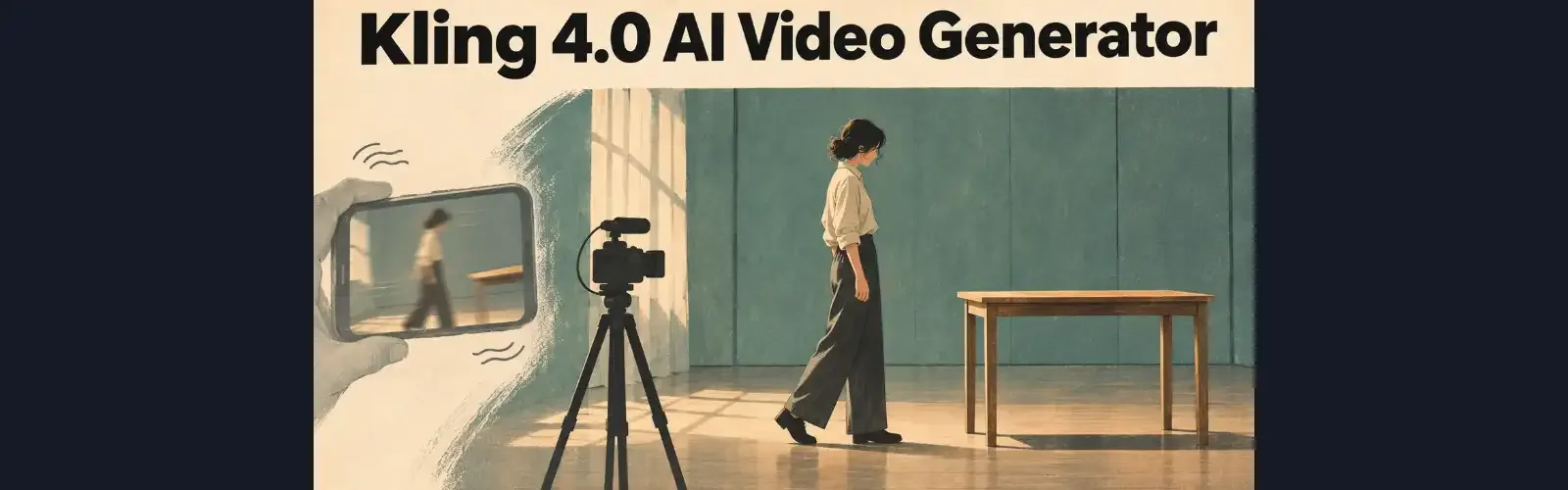
The performer reaches the table and stops. That pause is the part you want to keep. But you filmed the rehearsal on a phone while walking behind them, so the whole room sways. On a quick watch, it’s hard to tell when the performer stops and when the camera does.
For a steadier version, try adding the rehearsal clip as a reference in the Kling 4.0 AI Video Generator. Give the clip one job: show the performer’s walking pace and pause. Describe the new camera position separately.
In References mode, upload the clip and select it in the prompt:
Use @Video1 for the performer’s walking pace and the length of the pause beside the table. Show the scene in one wide shot from a fixed camera position. Keep the performer and the table clearly visible when the performer stops. The performer crosses the room, stops by the table, then turns. Do not follow the handheld camera movement in the reference.
Start with a short draft. Watch it beside the rehearsal, paying attention to the table. Can you see the table when the performer stops? Do they pause before turning, for roughly as long as they do in the reference? Does the room stay steady? A smooth-looking clip can still miss the moment that matters.
If the pause disappears, check its length in the rehearsal and add that timing to the prompt. If the handheld sway keeps appearing despite the fixed-camera direction, try without the video reference. Describe the walk, stop, and turn in words instead.
Use footage you have permission to upload. If a person appears in it, ask before using their likeness in a generated clip. Review the result as a draft of the shot, rather than treating it as footage of what happened on set.