
In your current edit, the bookmark lesson opens on a square of paper sitting on a table. Your voice introduces the project, but the paper stays still. Viewers haven’t seen the finished bookmark, and the folding hasn’t begun.
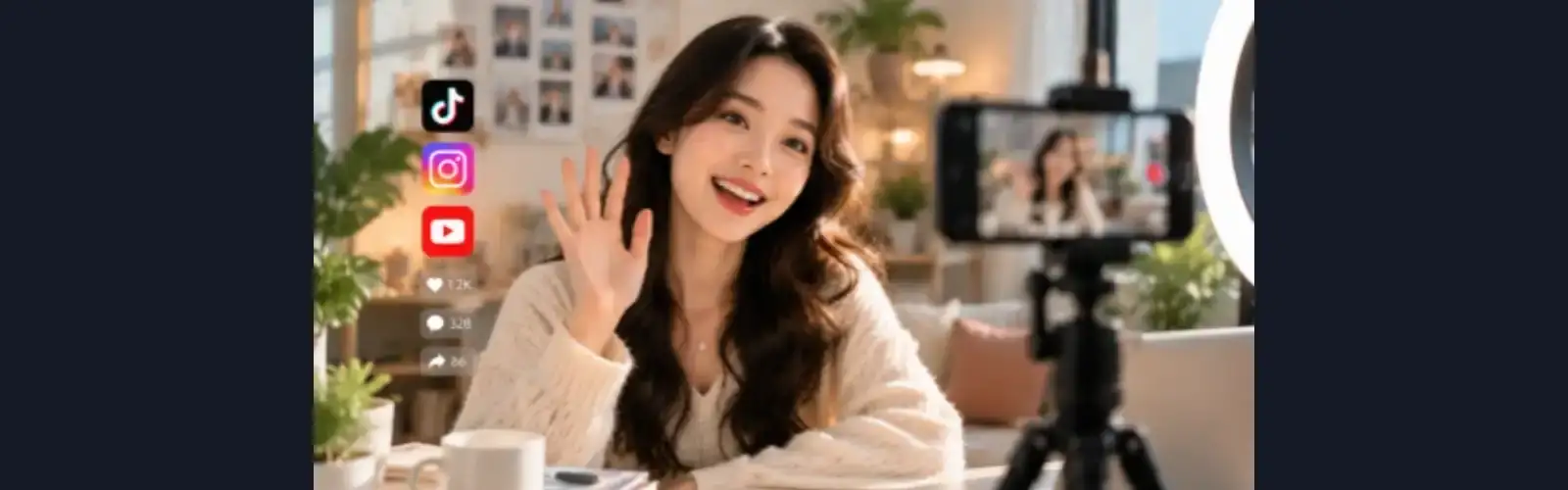
You could replace that opening with a short presenter clip made in OmniHuman 2.0. Upload a clear image of a character and the first sentence of your recording. The character speaks using your audio, so you can keep the take you’ve already finished. Use an image you created or have permission to use.
Say the recording begins, “Today we’re making a corner bookmark.” Start by making a clip for that sentence alone, without a motion prompt. Play it at normal speed. Does the mouth follow the words? Does the character stay in frame? If the movement looks right, leave it as it is.
If you want a gesture, try one small instruction: “On ‘corner bookmark,’ make a small open-hand gesture. Keep the camera still.” Those words must already be in the audio. Check whether the gesture happens while the presenter is still on screen; the prompt may not land exactly where you expect.
When you edit the lesson, follow the presenter with a brief shot of a finished bookmark you made and photographed. Then switch to your close-up footage of the hands and paper before the recording gives the first folding instruction. Viewers get to see the goal, then see how to make it.
The presenter clip already contains the first sentence of audio. Continue the original recording from the end of that sentence, rather than playing it again from the beginning. Listen at the join for a repeated word or a missing pause. Then watch the folding steps as someone following along: can you see each move before the next instruction arrives?
Try that short opening first. If it makes the lesson easier to follow, keep it. Check the final cut and captions before sharing.