
Kling 4.0: A Practical Guide to AI Video Creation
AI video generation is changing how creators turn ideas into visual stories. Instead of starting with a camera, studio, or complex editing software, you can now begin with a simple description or reference image.
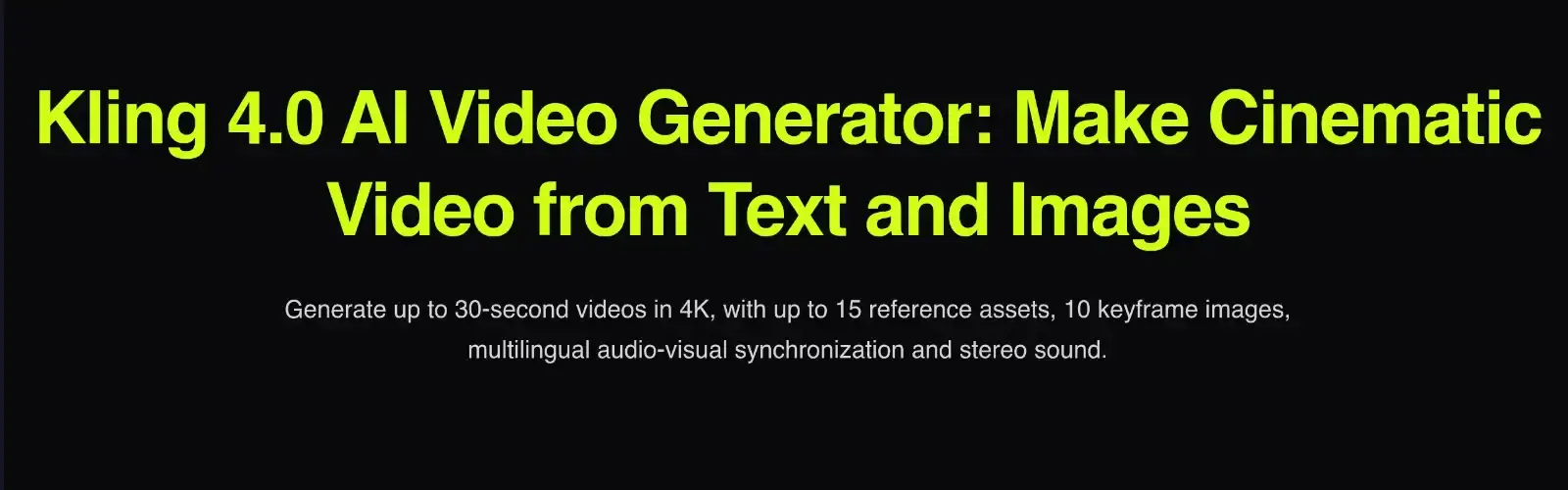
Kling 4.0 is an AI video generation model designed to create cinematic videos from text prompts, images, and reference materials.
For content creators, filmmakers, marketers, and small businesses, Kling 4.0 introduces new possibilities for visual storytelling, product promotion, and short-form content.
In this guide, we'll explore its features, how to use it, and practical tips for producing better AI-generated videos.
What Is Kling 4.0?
Kling 4.0 is an AI video model developed by Kuaishou. It supports text-to-video, image-to-video, and multimodal reference-based video generation.
Through the Kling 4.0 AI Video Generator, creators can explore video production using text descriptions, visual references, and creative direction.
The platform describes several notable capabilities:
- Generate videos lasting between 3 and 30 seconds.
- Select output resolutions up to 4K.
- Use up to 15 combined reference assets.
- Guide sequences with up to 10 keyframe images.
- Create synchronized audio and visuals.
- Experiment with different aspect ratios and cinematic styles.
Feature availability may vary depending on the selected generation mode.
How to Create Videos with Kling 4.0
Step 1: Choose Text to Video or Image to Video
Start by deciding how you want to create your video.
Text-to-video is useful when you're building a completely new scene from an idea.
Image-to-video works well when you already have a product image, illustration, character design, or photograph that you want to animate.
Step 2: Write a Clear Prompt
A good AI video prompt should explain five things:
- Subject — what appears in the scene.
- Action — what the subject is doing.
- Environment — where the action takes place.
- Camera — how the shot moves or is framed.
- Style — the lighting, mood, and overall visual direction.
For example:
A cinematic tracking shot of a futuristic sports car driving through a neon-lit city at night. Wet streets reflect blue and purple lights. The camera follows the vehicle from a low angle, with smooth motion and dramatic lighting.
This gives Kling 4.0 more specific instructions than a short prompt such as "car driving at night."
Step 3: Use Reference Images
Reference images can help communicate character appearance, product details, environments, and visual style.
For example, when making a product advertisement, you can begin with a clear product photograph and describe how the camera should move around the product.
Keeping reference images consistent can also make the intended visual direction easier to communicate.
Step 4: Configure the Video
Choose the available settings for your project.
For social media videos, a vertical 9:16 aspect ratio is often useful. For cinematic scenes, a widescreen 16:9 ratio may be more appropriate.
Start with a manageable duration and expand the scene once the visual direction works.
Step 5: Generate and Refine
Review the generated video carefully.
Pay attention to subject consistency, camera motion, background details, and whether the action follows your instructions.
If the result isn't quite right, revise one part of the prompt at a time instead of changing everything.
Three Kling 4.0 Prompt Examples
1. Cinematic Nature Scene
A wide cinematic shot of a mountain valley at sunrise. Soft golden light passes through the mist as the camera slowly moves forward above a river. Natural colors, realistic motion, peaceful atmosphere, detailed environment.
Best for: Landscape videos, travel content, and cinematic backgrounds.
2. Product Advertisement
A premium smartwatch resting on a dark reflective surface. The camera slowly circles the watch, revealing its metallic details and illuminated display. Soft studio lighting, elegant commercial style, smooth cinematic motion.
Best for: E-commerce promotions, product showcases, and advertising concepts.
3. Character Animation
A young explorer standing on a rocky cliff overlooking a futuristic city. Wind moves the character's jacket as the camera slowly pushes forward. Cinematic lighting, detailed atmosphere, natural movement, dramatic composition.
Best for: Creative storytelling, concept trailers, and character-based video experiments.
These examples are starting prompts rather than verified generation tests. Adjust the details based on your desired output.
Who Should Use Kling 4.0?
Content Creators
Create short-form videos, animated images, and visual content for social platforms.
Digital Marketers
Experiment with product demonstrations, promotional clips, and advertising concepts.
Filmmakers
Explore cinematic shots, scene planning, and visual storytelling before traditional production.
Designers
Turn static illustrations, concept art, and graphic compositions into animated scenes.
Small Businesses
Develop visual marketing materials without needing a full traditional video production setup for every concept.
Tips for Better Results
Here are a few practical recommendations:
- Keep prompts focused. Describe one primary action rather than several unrelated events.
- Be specific about movement. Use instructions such as "slow dolly in" or "smooth tracking shot."
- Define the visual mood. Include lighting, environment, and atmosphere.
- Use suitable references. Clear images help communicate important visual details.
- Start simple. Test shorter scenes before attempting complex sequences.
- Iterate carefully. Refine individual instructions based on the generated output.
Remember that AI-generated videos may still contain unexpected movements, inconsistencies, or visual artifacts.
Final Thoughts
Kling 4.0 offers an interesting approach to AI video creation by combining text prompts, visual references, keyframe guidance, and cinematic controls.
Its workflows can be useful for creators who want to experiment with visual storytelling, develop marketing concepts, or animate static images.
The most effective approach is to begin with a clear creative brief, experiment with simple prompts, and refine the results through iteration.
Explore Kling 4.0: Create AI Videos with Kling 4.0
What kind of AI-generated video would you create first?