
The Gap Between Generated Audio and a Finished Edit
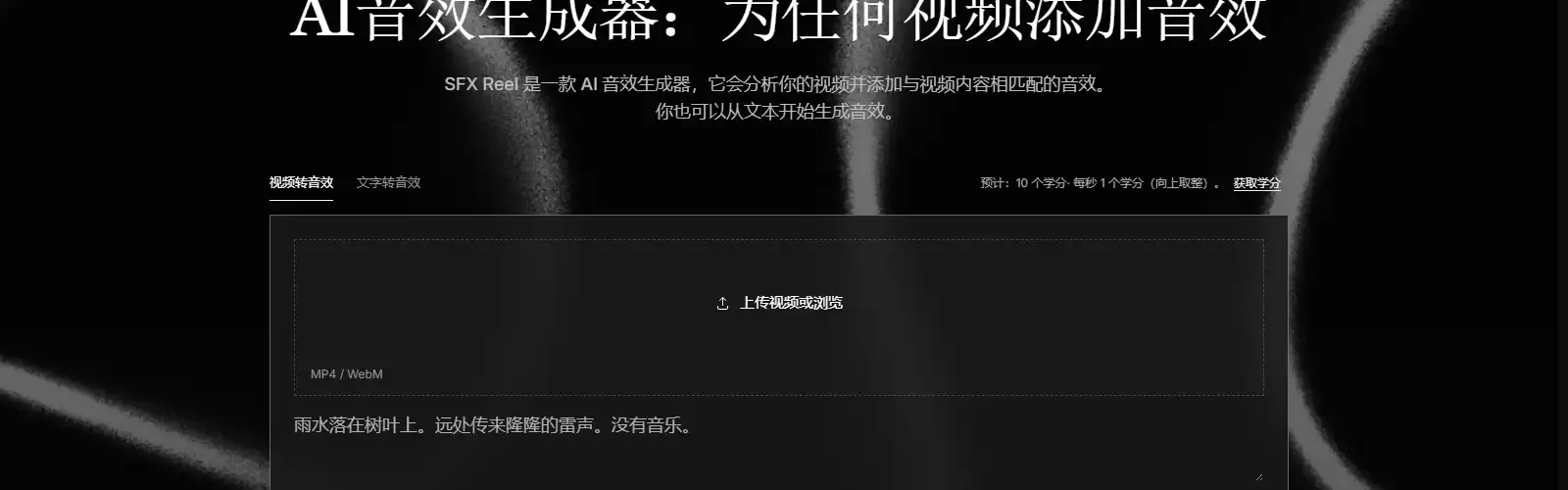
Anyone who has tried to layer sound effects onto a rough cut knows the real problem isn't finding an effect that exists — it's finding one that fits the exact timing, tone, and texture of the footage in front of you. Stock libraries are full of footsteps, impacts, and ambience, but matching them to a specific camera move or a specific beat in a scene usually means scrubbing through dozens of files and still landing on something close enough rather than right. This is the gap that AI-generated sound effects are trying to close, and a tool like SFX Reel sits in that space: according to the product page, it adds sound effects to a video while keeping the original dialogue intact, and it can also generate effects from a text description when there's no footage to analyze yet.
Where This Fits Into an Actual Workflow
The practical workflow looks less like "generate and ship" and more like "generate and compare." A creator exports a rough cut, drops it into the tool, and gets a version with added sound layered in. The dialogue track isn't touched, which matters because re-recording or re-syncing voice after an SFX pass is a workflow killer — it turns a five-minute task into an afternoon. The text-to-SFX path covers a different situation: sometimes you know exactly what sound you want — a low mechanical hum, a short glass clink, a distant crowd murmur — before you have footage to attach it to, and typing that description directly is faster than hunting through a tagged library hoping someone else labeled it the way you're thinking.
What separates this from a one-shot generator is the part that doesn't get mentioned in feature lists but matters more in practice: the product page describes a preview step where the generated result plays next to the original clip before anything gets downloaded. That ordering — generate, compare, adjust the prompt, regenerate — is the actual workflow, not an afterthought. Skipping it is how people end up with effects that are technically present but audibly wrong, like a punch sound that lands a frame late or an ambient layer that's too clean for a handheld shot.
A Use Case Worth Testing Directly
Take a short product demo video — the kind marketing teams cut quickly for a landing page or a social clip. It usually has clean dialogue, some on-screen action (a click, a swipe, an object being placed down), and silence where sound should reinforce what's happening. Manually sourcing SFX for a thirty-second demo isn't hard, but doing it for ten variations of that demo across different campaigns adds up fast. Feeding the cut through an AI sound effect generator and reviewing the output against the original is a reasonable way to test whether this shortens that cycle without introducing audio that sounds obviously synthetic or mistimed. The value isn't that it replaces a sound designer on a high-budget project — it's that it gives smaller teams and solo creators a way to add believable texture without a dedicated audio pass.
The Review Step That Actually Determines Quality
This is where the quality review angle matters more than any feature description. An AI-generated sound effect can be technically correct — the right category of sound, roughly the right length — and still fail the moment you watch it against picture. The useful test is simple: play the generated version immediately next to the untouched original, at full volume, on the same speakers you'd use for final delivery. Listen for whether the effect sits under the dialogue without competing with it, whether the timing matches the visual cue within a frame or two, and whether the texture matches the recording environment — a effect generated for a clean studio shot can sound wrong dropped into something recorded outdoors. If something's off, the adjustment is usually a small prompt change rather than a full regeneration from scratch, which is the point of having a preview step before committing to a download. Treating that comparison as a mandatory checkpoint, not a formality, is what separates a usable workflow from one that just adds noise.
Trying It on a Real Clip
The only way to know if this fits a specific workflow is to run an actual clip through it — not a demo reel, but something from a current project with real pacing and real dialogue. Starting with a short, low-stakes video makes the review step easy to apply honestly. For teams curious whether this kind of generator holds up against their own footage, SFX Reel is worth testing directly on a sample edit before deciding how far it fits into a broader production pipeline.