
Why the bottleneck is the shot plan, not the model
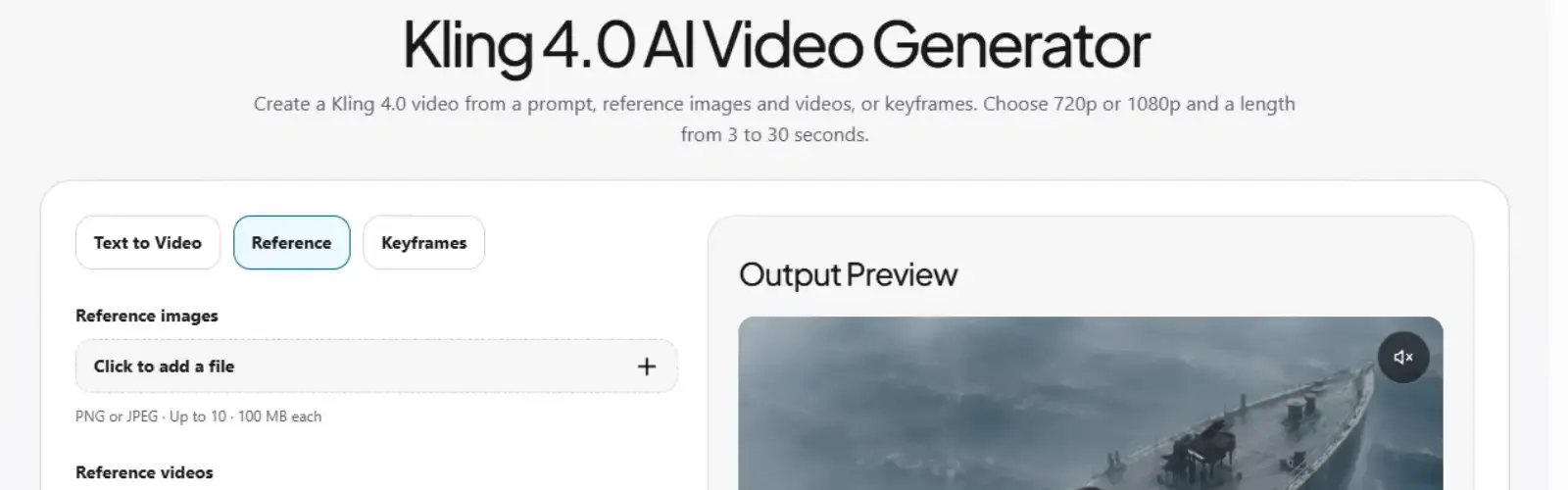
When a team needs short-form video without a camera crew, the slow part is rarely the generation step. According to the product page, Kling 4.0 can produce clips up to 30 seconds long at 1080p and anchor motion with up to 10 keyframes, which is more than enough headroom for most social and product clips. The real work is turning a vague idea into a spec the model can execute consistently. Treat each generation like a render job: a defined subject, a defined camera move, and a defined end state.
The second reason this tool earns a place in a workflow is flexibility. Kling 4.0 accepts either a text prompt or a starting image, so the same pipeline serves both fully scripted scenes and image-to-video extensions of existing assets. The discipline that separates a usable clip from a lucky one is writing the prompt as a timeline rather than a single sentence.
A prompt skeleton that stays controllable
A reliable pattern is to separate five concerns on one line: subject and appearance, action over time, camera, lighting and mood, then negative constraints. For example: "A matte-black espresso machine on a white counter, steam rising, slow push-in from wide to close-up, soft morning window light, no text no watermark no hands." Keeping the camera instruction explicit prevents the model from defaulting to a random drift that breaks continuity across shots.
When you extend a still, lead with what should change. Describe the motion of the single most important element first, then the secondary movement, then the hold. The model respects the order, so a clip that opens with "water pours" reads very differently from one that opens with "camera tilts up, then water pours."
Keyframes as waypoints, not frames
With up to 10 keyframes, the temptation is to set one per second. Resist it. Keyframes are waypoints that the timeline interpolates between, so spacing them at the start, the midpoint, and the end of a 30-second clip gives smoother control than ten evenly packed poses. A practical starting layout for a product reveal is: keyframe 1 establishes the subject static, keyframe 5 begins the rotation, keyframe 10 lands the hero angle. According to the product page, the keyframe budget is generous enough to layer a secondary motion on top without running out.
If a clip drifts, do not regenerate from scratch. Move one keyframe and re-render the segment. Small edits beat full retries because the rest of the timeline is already approved and only the weak section needs attention.
Duration control without quality loss
The product page describes clips up to 30 seconds at 1080p. Pushing toward the maximum duration is not free: longer clips accumulate small inconsistencies in lighting and anatomy, so for a hero asset keep the primary message inside the first 8 to 12 seconds and use the tail for a slower, atmospheric hold. For looping social formats, a 5 to 10 second loop reads cleaner than a stretched 30-second take.
A simple rule of thumb is to decide the cut length before prompting. Write the prompt for the duration you will actually ship, not the maximum the tool allows, because the model optimizes motion density to the requested length.
A minimal review loop
Close the loop with three checks: does the subject stay consistent across keyframes, does the camera match the instruction, and does the clip read correctly muted and at thumbnail size. Most rejections come from the third check, where a clip that looks fine full-screen fails as a feed thumbnail. Render a still from the keyframe you intend to use as the cover and confirm the product is legible.
None of this requires touching the model internals. It is a workflow wrapper: a prompt skeleton, a keyframe budget, and a cut-length decision made up front. Kling 4.0 supplies the generation; the repeatability comes from treating each clip as a documented job rather than a one-off experiment.