
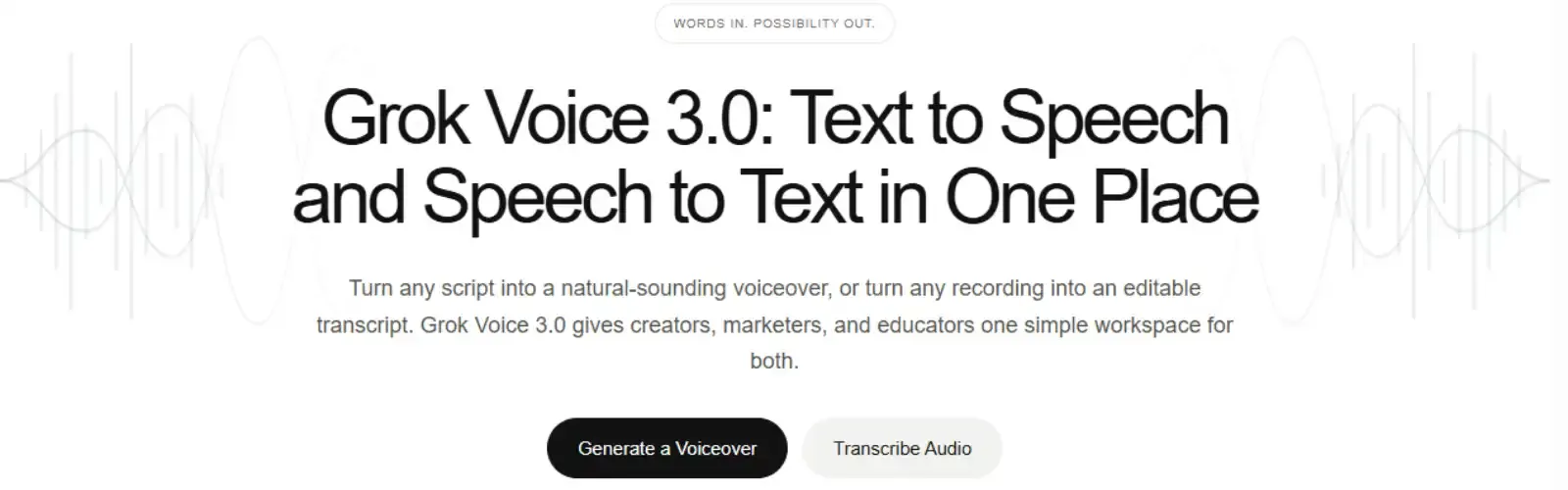
Most audio work does not stay in one direction. A team writes a script, records a narration, then needs the recording back as text for captions, show notes and search. Treating those as two separate jobs is where the time goes: two logins, two export folders, two places to look when a client asks for one more take. The interesting case for Grok Voice 3.0 is not that it does text to speech, but that it puts text to speech and speech to text in the same browser workspace, so both directions share one history.
According to the product page, the workspace offers two modes: Text to Speech, which converts a script into narration, and Speech to Text, which converts an uploaded recording or a public audio link into an editable transcript. Both results are saved under My Creations, which is the detail that changes how a review loop can be designed. A take is not a file on someone’s desktop; it is an entry that the next person can find.
Why the pairing matters more than either mode
Plain text to speech solves half of a production problem. The other half arrives the moment a stakeholder says the tone is wrong, because the fastest way to explain a tone problem is often to record a reference and compare. A workspace that also transcribes means the reference recording and the generated take can be compared as text, and the diff between the two scripts is usually more actionable than a subjective note.
The product page describes exactly that bridge: a transcript can be moved into the text to speech editor with a single action, so a recorded interview or a lesson can be tightened and re-narrated without retyping it. That is a small feature on paper and a large one in practice, because it turns transcription from an archive task into a source of new scripts.
A four-gate audio loop
Audio review fails when everything is judged at the end, at full length, in a single listen. Splitting it into four gates keeps each decision cheap.
- Script gate. Approve the words before any generation. A pronunciation fix is a script fix far more often than a voice fix, and editing text costs nothing.
- Sample gate. Preview a short passage to check pronunciation before committing to a longer take. The product page recommends this directly, and it is the cheapest place to catch a mangled brand name.
- Section gate. The page notes a limit of up to 60,000 characters per request and suggests splitting long scripts at topic changes so each section is saved separately. Sectioned files are also sectioned reviews: a wrong paragraph can be redone without regenerating the whole lesson.
- Delivery gate. Check the export settings against the destination. MP3 for quick sharing, WAV when the file still has to be edited, and the audio settings panel for anything that needs PCM, μ-law or A-law with sample rates between 8 kHz and 48 kHz.
Three settings that decide whether review is possible
Word timestamps. Switching on word-level timestamps is what makes narration alignable with captions, on-screen text and B-roll. Without them, a one-word change late in a clip becomes a manual hunt through a timeline.
Language handling. The page is explicit that selecting a language does not translate the text: the script must be written in the language that should be spoken, and Auto detect will otherwise infer it. That distinction prevents the classic mistake of pasting an English script, selecting another language, and expecting a translation.
Credit visibility. Text to speech is billed by script length and speech to text by recording length, with an estimate shown before a task when one is available. A visible estimate changes behaviour: teams stop regenerating entire chapters to fix one sentence.
On the transcription side
Transcription has its own review traps, and the page names the useful controls. Speaker identification helps on interviews and two-host podcasts, but the labels still have to be checked against the recording before names are attached. Custom keywords allow up to 100 names, brands or technical terms so they are spelled correctly. Clean versus verbatim is a policy choice, not a quality choice: filler words belong in a legal or research record and should be dropped from a public transcript.
The upload envelope is worth noting before a shoot: audio files up to 500 MiB, or a public audio link, with transcripts downloadable as .txt. Files of that size are sessions, not snippets, so the order of operations matters more, and reviewing the result before downloading is the only checkpoint that exists.
Where teams get it wrong
Three habits break the loop. Regenerating instead of editing, which spends credits to fix what a comma would have fixed. Treating a transcript as final, when speaker labels and custom keywords are exactly the parts that need a human pass. And exporting before checking the destination format, which turns a sample-rate mismatch into an afternoon of re-encoding.
None of this is exotic. It is the ordinary discipline of a pipeline, applied to a tool that happens to sit on both sides of it. For a small team producing course audio, product clips and show notes from the same source material, one workspace with a shared history removes more work than a marginally better voice would.